
Transform Spreadsheets into Beautiful HTML
Convert your Google Sheets into clean, responsive HTML tables with just a few clicks. No coding required.
Your converted HTML will appear here
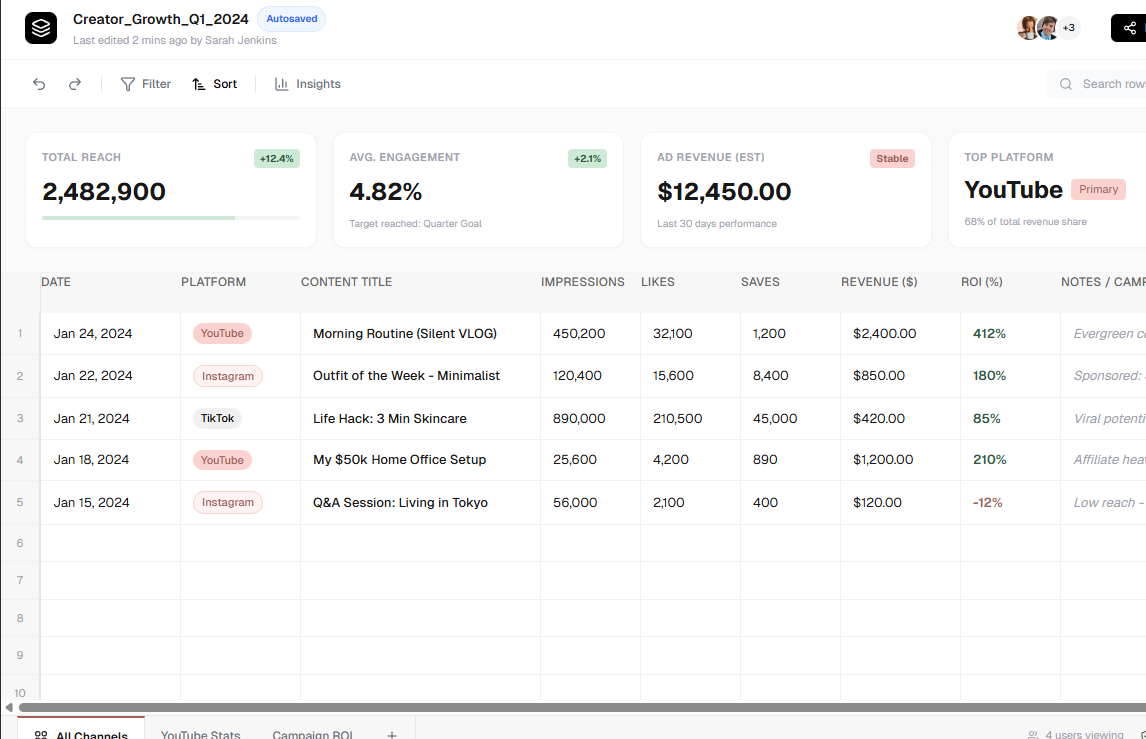 HTML Output
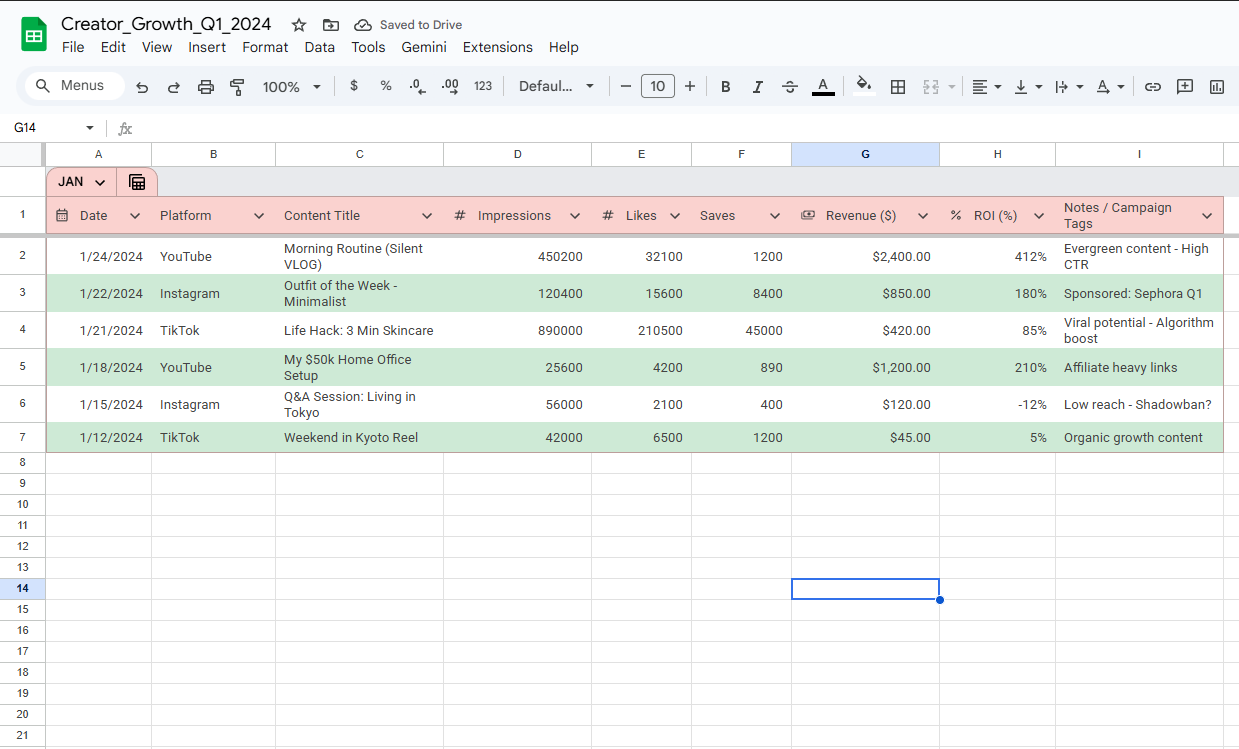 Original Sheet
How To Convert Google Sheets to HTML For Free
Transform your spreadsheets into clean, responsive HTML tables in seconds. No coding required. Perfect for websites, blogs, and internal tools.
1. Paste your Sheet URL
Simply copy the URL of your Google Sheet and paste it into the input field above. For best results with Flash mode, ensure your sheet is set to "Anyone with the link can view".
Dragging and dropping links or files to the page also works.
2. Choose your Options
Select from modern features like Responsive Design, Custom Styling, and Search & Filter. We'll automatically handle all the CSS and JavaScript for you.
Rather not sign in or share data?
Try Flash Mode. It's fast, private, and works with public sheets instantly.
Your data stays secure and is processed entirely in your browser.
3. Convert and Preview
Click Convert to HTML to generate your code. Use the Preview button to see exactly how your table will look before you use it.
4. Export Your Result
Copy the code directly to your clipboard, or download it as a standalone HTML file. You can also export your data as JSON for more advanced integrations.